Digital Media Technology in Architectural Rendering and 3D Visualization
Digital media technology in architectural rendering and 3D visualization combines modeling software, graphics hardware, and image and video tools to turn design data into realistic stills, animations, and interactive walkthroughs. Architects use it to test lighting, materials, and layouts before construction begins, and clients use it to understand a project without reading technical drawings. For educators and training directors, the practical question is which skills graduates need to work in this field. I wrote this guide to answer that question, compare the main tools, and show how a project-driven course from E.C.R Academy builds those skills.
Understanding Digital Media Technology in Architectural Rendering and 3D Visualization
What the Technology Includes
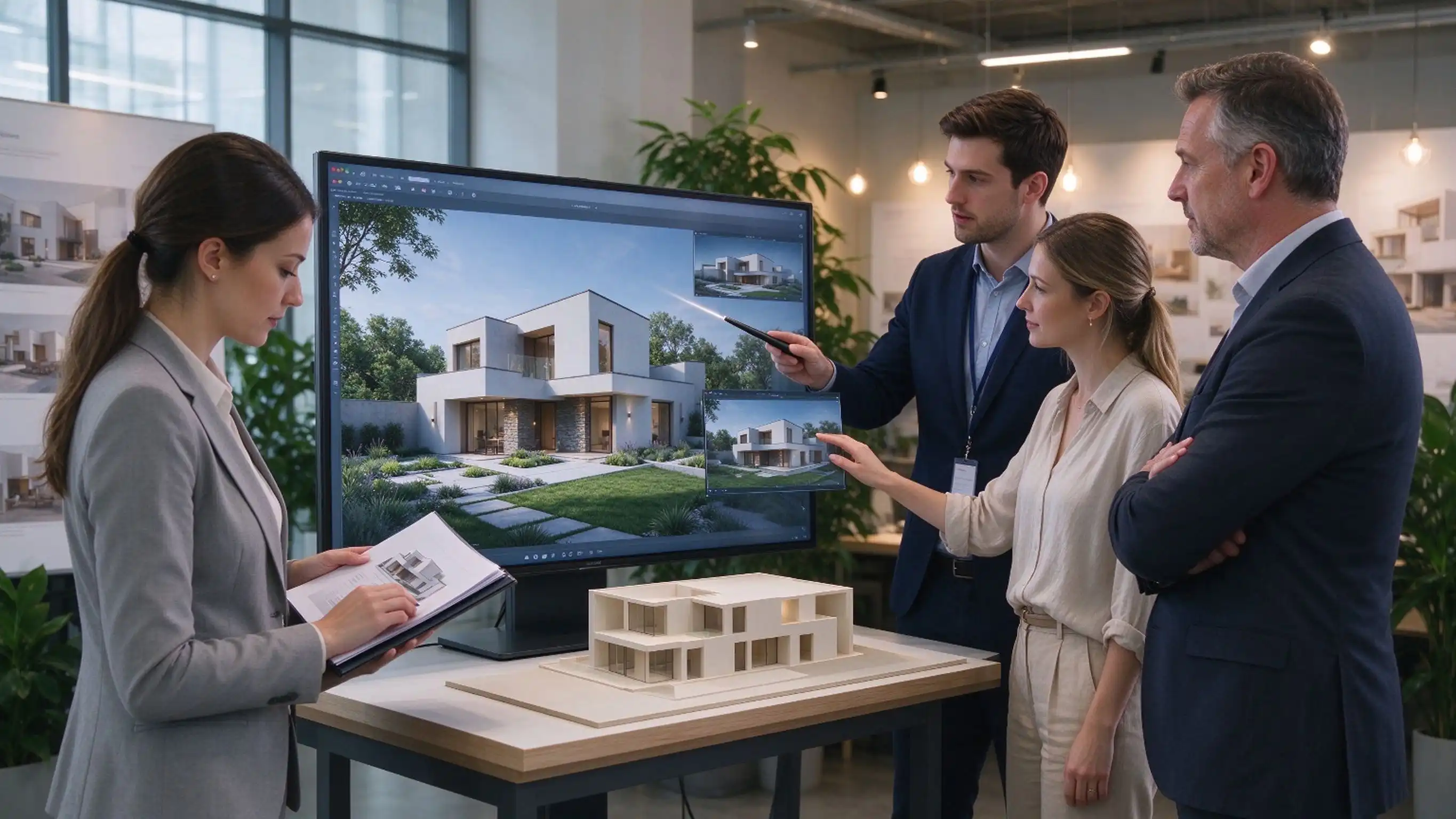
Architects can use the same steps over and over to show their work. Shapes are made with triangle or NURBS modeling. Next, materials and patterns are added, lights and cameras are set up, and the scene is rendered. Most of the time, the last steps in Photoshop or After Effects are color correction, mixing, and effects. That is the same pipeline that is used in the E.C.R. Academy program, which teaches how to model, use materials and textures, light, render, and make animations in 3ds Max, Maya, and Cinema 4D. Students get used to the workflow by working on projects like drawing up plans for buildings, creating 3D models of products, and creating video game characters. This picture of the pipeline helps me plan my lessons because each stage is a skill that teachers can teach and test on its own.
How Rendering Works in Practice
It is the job of the renderer to figure out how light moves and hits things in a scene. A well-known book called Physically Based Rendering, which is now in its fourth version, talks about how path tracing models this behavior by choosing many light paths for each pixel. To make a frame look good, they may work on it for minutes or hours. Real-time systems try to get at least 30 frames per second. This lets a client see changes to a model as they happen. To do this, they give up some accuracy in exchange for speed. When teachers understand this trade-off, they can better choose the right tool for the job: offline rendering for final marketing images, real-time rendering for design reviews and interactive talks.
Where Visualization Fits in the Design Process
The American Institute of Architects divides design work into steps in the US. These steps include schematic design, design development, and construction documents. This stage is most important when the customers still like the massing, materials, and lighting from the first two stages. From what the BIM Handbook says, one of the good things about building information modeling is that it can help you see things more clearly and faster. This is possible since views can be made at any stage of a unified model. They can read a project brief like a pro and decide at each step how much information a picture needs if they know these steps. This is what separates a pretty picture from a useful design communication tool.
Evolution from Traditional to Digital Media Technology in Architectural Rendering
The Era of Hand-Drawn Perspectives and Scale Models
Companies showed their ideas through hand-drawn perspectives, watercolor paintings, and life-sized models for most of the 20th century. They made beautiful pictures, but they only showed one view. If you wanted to change the design, you had to either copy the view or build the model by hand. To study lighting, you needed either real models and sunshine, or you could make a good guess. The buyers relied on what the architect said about the room since they couldn't see it for themselves. Because of these limits, computer modeling became popular once the hardware could handle it. This is another reason why graduates today need to know digital skills that weren't taught in the past.
How BIM and Graphics Hardware Changed the Output
Data and layout about a project are kept in one model by building information modeling in digital media technology. This way, both the design team and the visualization artist can get views from the same place. The National BIM Standard for the United States also lets people share freely. Open standards called ISO 16739-1 make it possible for different tools to share data. These standards are called Industry Foundation Classes. The Turing design outline from NVIDIA talks about the built-in ray tracing cores that were added to GeForce RTX 20 series cards in 2018. The fourth edition of Real-Time Rendering talks about how GPUs do these kinds of tasks now. It took less time to update an image after making changes to the design because data could be shared and graphics could be made faster.
What This Shift Means for Training
We need to teach everyone all the skills they need to use digital media technology so that one person can make a scene, light it, render it, and finish the movie. This need is met by the E.C.R. Academy school, which teaches 3D animation along with graphic and picture processing, digital audio and video technology, and technology for making visual effects. Photoshop is used to make pictures look good, Premiere is used to change things about videos, and After Effects is used to add motion graphics and make composites. Enterprise engineers work with college professors to teach, so lessons combine what students learn in class with what they do on projects. I think this is better than taking different lessons on software because companies want to see finished work, not just know how to use one tool.
Comparing Leading Digital Media Solutions for Architectural Rendering
3ds Max, Maya, and Cinema 4D
These three apps make up the 3D part of the E.C.R. Academy program. A lot of architectural rendering companies use Autodesk 3ds Max because it comes with the Arnold renderer and powerful polygon modeling tools. You can use Maya to make characters and animations, which is great for students who want to get parts in movies or video games. Movie graphics and product shots are often done in Maxon's Cinema 4D. If you want to make building stills, 3ds Max is better, but if you want to make animations, Maya is better. You can use the skills you learn in any of them in other programs. For example, you can learn how to work with cameras, models, materials, and lights.
Lumion, Twinmotion, and Unreal Engine
You can quickly move through a model that looks like a scene when you use real-time tools. Lumion and Twinmotion are made for builders and have effects for people, plants, and weather that are ready to use. What makes Twinmotion work comes from Unreal Engine, which Epic Games bought in 2019. Lumen is an Unreal Engine feature that lets you change the lighting all over the world in real time. You can bring in CAD and BIM data with Datasmith. Just so you know, these three items are not named in the E.C.R. Academy course brief. People who learn in the program can use what they've learned when they move on to a real-time tool. Models, materials, lighting, and rendering are some of these skills.
Licensing, Hardware, and Budget Checks
Three checks make sure that expensive shocks don't happen. First, check to see what kind of license you have. There are a lot of educational rights that let students learn, but many of them also have limits on business use. Make sure your students read the terms before they do paid work. Second, take a look at the hardware. The program recommends at least 16 GB of memory and a graphics card that is only used for graphics. Students who don't have their own high-end computers can still use the ones at school. Third, try setting prices in different ways. A lot of big companies now sell software by membership instead of lifetime license. Autodesk is one of them. It turns what was once a one-time purchase into a line item in your budget that you need to keep an eye on. If you ask for written education terms before you buy something, you protect both the school and the kids.
Implementing Digital Media Technology: A Practical Integration Guide
Start with a Skills and Equipment Audit
I believe you should begin with two lists. One writes down the jobs they want, like visual designer, 3D animator, post-production expert, and visual effects artist, and the skills they need to do those jobs. The specs of computers, the software versions that are loaded, the number of licenses, and network storage are some of the things that are kept track of. In some ways, they are not as good as each other, like labs with built-in graphics that can't handle big scenes. Also, this step tells the team that buys things how many requests there are and which classes need new tools the most. When an audit is done before a vendor is picked, learning outcomes are linked to choices about what to buy.
Build Learning Around Real Project Briefs
When you work on a project in digital media technology, you can use all of your skills. Some of the things that people in the E.C.R. Academy program make are posters, brand visual systems, exhibition boards, promotional videos, 3D product presentations, and visuals for buildings. There is a functional order that starts with the basics, and the Fundamentals of 3D Software course is part of that order. After that comes lighting, rendering, editing, presentation, and models. At the end of each brief, the student should have a portfolio item that they can use to try to get a job or enter a competition. Over 150 national and foreign skills events have been put on by E.C.R. Academy, which is why project work makes sense.
Protect Student Work and Keep Faculty Current
There are two operational issues that need written rules. Adults who work with kids should know who owns each project, what they can use, and if licensed images or models can be used in public portfolios. When you buy stock models and pictures, they often come with rules that you should read. At least once a year, major software companies send teachers changes. This means that teachers need to set aside time to practice regularly. When business engineers and college professors work together, they can bring new ways of making things to the class, which is helpful. It would be helpful to have a short review at the end of each term to see how what you've learned in class matches up with the program in the lab.
Future Trends of Digital Media Technology in Architectural Rendering and 3D Visualization
Real-Time Ray Tracing and Game Engines
Previously, architectural scenes had to be rendered offline overnight before they could be used in games. As of 2022, Lumen for real-time global lighting was added to Unreal Engine 5. Path Tracer also has a mode for reference quality for final shots. NVIDIA's RTX technology makes both ways of tracking rays faster. Light theory is more important than any one product because exposure, color temperature, and material response are pretty much the same for all engines. This is a clear lesson for schools. To teach these ideas, students can use 3ds Max or Maya's offline features. This will give them a base that they can then use with real-time tools.
AI-Assisted Imaging
AI tools are coming in from both ends of the flow. An AI denoiser like the NVIDIA OptiX denoiser that Arnold supports does not add noise to path-traced images. This means that artists can use fewer samples. It was added by Adobe to Photoshop in 2023. This function makes it faster to change the background and come up with new ideas. These tools make it easy to clean up, but they are not a replacement for smart planning. Still, someone needs to check the size, make sure the materials are correct, and see if the picture fits the building. Some problems with copyright for user-generated content are still not clear. Before letting students use these tools for graded or public work, schools should make the rules clear.
XR Walkthroughs and Career Direction
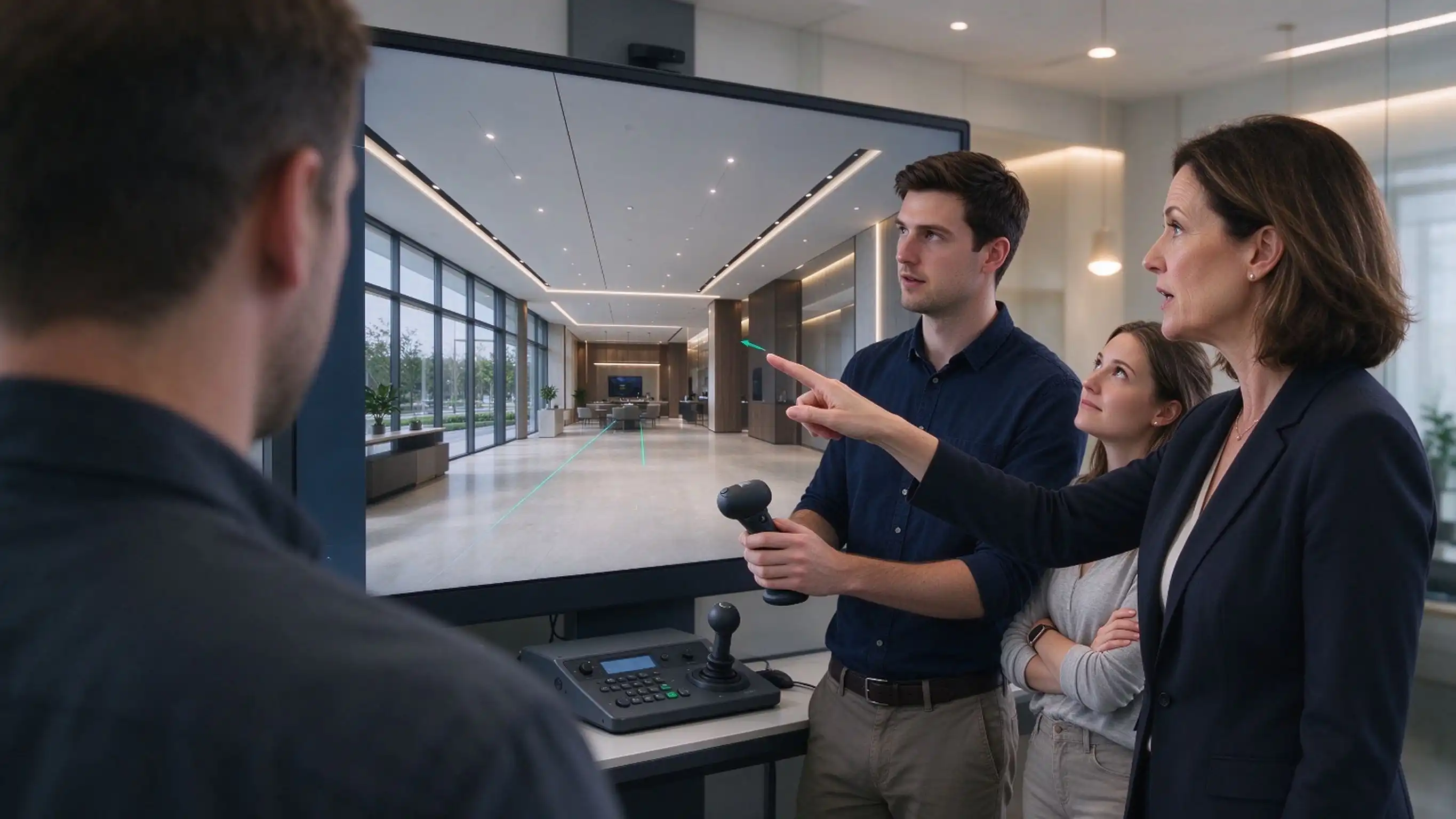
Long-form reality lets people stand inside a creation with an SDK or a computer. You need to know how to use clean models, the right materials, and good lighting to make these walkthroughs. Students who finish the E.C.R. Academy school will be able to work as a visual designer, an interaction designer, a post-production expert, a 3D animator, a visual effects artist, or to run new media operations. These skills are useful in ads, media and movies, the web, and making games. You can plan how people will move through a digital experience when you learn interaction design. This is useful for projects that don't just use flat pictures.
Conclusion
Digital media technology makes design data into pictures that customers can look at and judge. It does this by combining modeling, rendering, picture finishing, and motion into a single process. This article looked at the whole process, from point of view drawings done by hand to BIM-driven models and GPU-based rendering. Along with 3ds Max, Maya, and Cinema 4D, it also looked at Lumion, Twinmotion, and Unreal Engine, which are real-time options. If you want to know how to use lighting, materials, and modeling skills with different tools, you should read written answers to questions about license terms, hardware specs, and who owns student work before you buy something. Finally, project-based assignments let you make portfolio pieces that show potential employers your real skills. There are new tools like real-time ray tracing, AI denoising, and XR, but these basics don't change. These lessons will still be useful even if the software changes because they teach the whole process.
FAQ
1. Can beginners study this program?
Yes. The first part of the training covers the basics. For example, there is an introduction to digital media technology, graphic and image processing, and the basics of 3D software. After that, it goes one step at a time forward. You don't need to know anything about computers or modeling.
2. What roles can learners pursue after completing the program?
You can learn how to become an interaction designer, visual designer, post-production expert, 3D animator, visual effects artist, or new media operations specialist if you want to.
3. What computer equipment is recommended?
You should have a computer with at least 16 GB of memory and a graphics card that is made for those games. Kids who don't have a fancy computer can still learn every day and get real-world experience in the school computer labs.
Start Digital Media Technology Training with E.C.R Academy
It is possible to get help from E.C.R Academy to find a digital media technology provider that has project-based classes taught by both business engineers and college experts. We've taught and tested more than 500,000 people in China and 28 other countries since 2010. We also work with more than 500 businesses. You can talk about your program by emailing ecr2008@enteredu.com, or you can look at enteredu.com to learn more about the courses.
References
1. BIM Handbook: A Guide to Building Information Modeling, 3rd Edition (2018)
2. Real-Time Rendering, 4th Edition (2018)
3. Physically Based Rendering: From Theory to Implementation, 4th Edition (2023)
4. ISO 16739-1: Industry Foundation Classes for Data Sharing in the Construction and Facility Management Industries (2018)
5. National BIM Standard-United States, Version 3 (2015)
6. NVIDIA Turing GPU Architecture Whitepaper (2018)

_1781601799781.webp)