Product Digital Innovation Design Training Platform
Product Features
Multi Software Compatibility
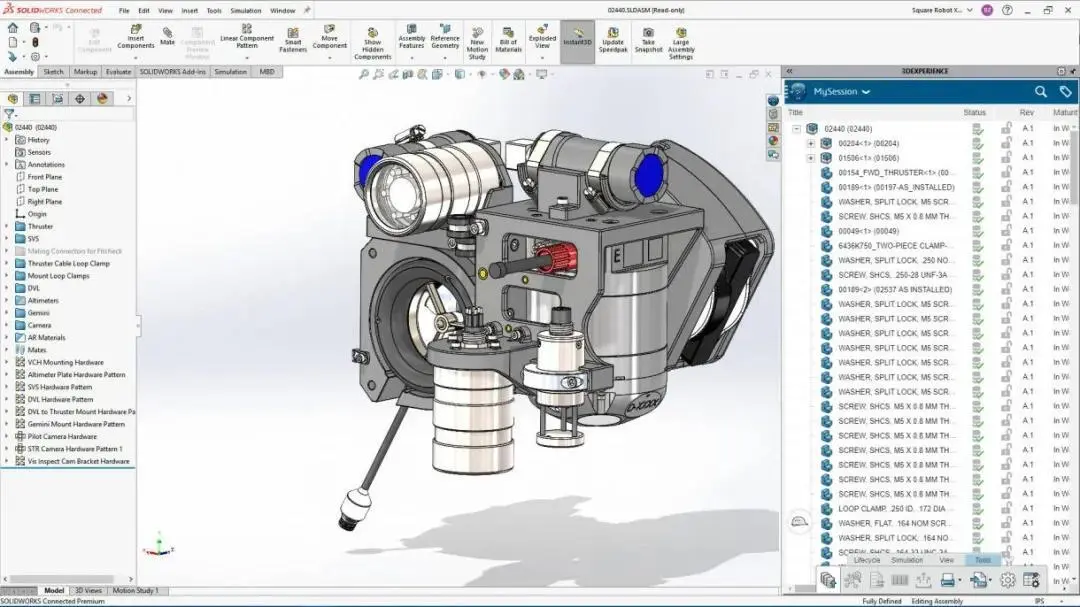
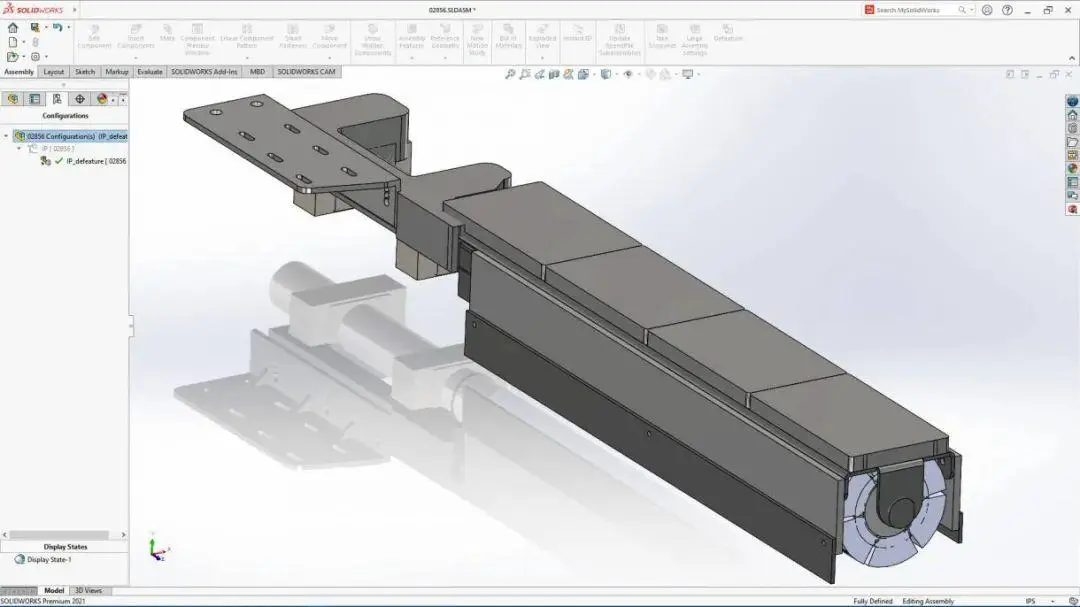
Interfaces with SOLIDWORKS 2025 and the Office suite, supporting the reading, writing, and export of models, engineering drawings, and simulation reports.
Theoretical Computer Based Examination Simulation Module
Built in question bank with more than 600 single choice, multiple choice and true falsequestions. It simulates the theoretical computer based test for the final round withautomatic scoring and incorrect-answer review and collection functions.
Task Oriented Practical Training
Covers digital innovation design of parts and mechanism products, reproducing the complete training workflow across seven tasks, including part modeling and lightweight performance optimization.
Digitalized Scoring System
Embeds the original evaluation scoring rules, distinguishing between objective measurement scoring and subjective grading.
One Click Export of Training Deliverables
Supports batch export of 3D models, engineering drawings, simulation results and design reports, meeting submission requirements for on campus practical training andpre competition simulation practice.
Multi group Teaching Adaptation
Enables switching between training modes for different participant groups, differentiating dual task training for student groups and single mechanism task training for the teacher group.
Specifications
Software Configuration
|
Category |
Name |
Version Requirement |
|
Operating System |
Windows |
64 bit Windows 11 |
|
Core Design Software |
SOLIDWORKS |
Version 2025 with genuine activated license, Simulation and Motion add ins enabled |
|
Training Platform |
Product Digital Innovation Design Training Platform |
V1.0 |
|
Browser |
Google Chrome |
V131 or above |
|
Supporting Software |
Microsoft Office |
2007 or above |
|
Document Reader |
Adobe Reader |
Any version |
Hardware Configuration (Recommended)
|
Device |
Parameters |
|
Processor |
Intel Core i7 or higher, supporting AVX2 instruction set |
|
Memory |
16 GB DDR4 or above |
|
Storage |
≥10 GB available storage space |
|
Graphics Card |
Discrete graphics card with 4 GB or higher dedicated video memory, compatible with OpenGL4.0 and DirectX12; supports NVIDIA / AMD / Intel Arc discrete GPUs. Intel integrated chipsets are not supported. |
|
Monitor |
21.5 inch or larger, resolution 1920×1080 or higher; dual screen display is preferred |
Application Scenarios
On campus Classroom Teaching.
- Deliver lectures for mechanical design and mechanical CAD/CAM courses.
- Teach courses covering 3D modeling, assembly design, engineering drawing, finite element analysis and multi body dynamics simulation.
Skill Assessment and Evaluation.
- Final course examinations and periodic skill assessments for campus courses.
- Automatically administer computer-based theoretical tests, distribute practical tasks, generate training scores in accordance with competition standards and produce student competency analysis reports.
Teaching Research & Teacher Training.
- Improve competition related competencies for teachers in the teacher group.
- Develop teaching cases for lightweight innovative design, geometric reconstruction and mechanism dynamics simulation.
- Study scoring standards and compile practical training task documents.
Vocational Skills Development.
- Carry out job‑oriented competency training for product digital innovation design.
- Align with industry technical specifications for mechanical CAD 3D modeling and finite element analysis.
- Deliver practical training targeted at real‑world job capability requirements.
F&Q
1. Is SOLIDWORKS required to be installed?
A: This is a teaching and training management platform. A properly licensed and activated copy of SOLIDWORKS 2025 (including Simulation and Motion add ins) must be pre installed locally. The platform implements task distribution, question bank training, scoring reference and deliverable management.
2. Which teaching groups is the platform suitable for?
A: The platform adapts to mechanical design and manufacturing related programs at secondary-vocational, higher-vocational and undergraduate levels. It also supports teacher teaching-research training and vocational skill improvement, with switchable difficulty levels and task modes for different learner groups.
3. Can models and reports generated in training be exported?
A: Yes. Batch export is available for 3D models, PDF engineering drawings, simulation results and design reports for campus file archiving.
4. Are design models and documents exportable after training?
A: Full‑set deliverables including 3D models, PDF engineering drawings, simulation analysis results and design reports can be exported in batches. Exported files fully comply with competition submission specifications for campus archive and simulated‑contest submission.


_1781601799781.webp)