How Digital Design and Simulation for Smart Production Lines Shapes Smart Factories
Digital design and simulation for smart production lines shapes smart factories by moving risk from the shop floor to the computer. Engineers build a 3D model of the line, add machine logic and material flow, and test the plan before they buy or install equipment. They find bottlenecks, collisions, and control errors early, when changes cost little. A digital twin then links the virtual line to live data, so teams can monitor and adjust production after launch. In this article, I compare old and new methods, review implementation, procurement, and trends, and show how training closes the skills gap.
Understanding Digital Design and Simulation in Smart Production Lines
What Digital Design Means in Industry 4.0
Digital design means making a data-filled model of a production line before putting in a robot. It is made up of 3D CAD shapes, tool specs, process steps, and control logic. Norms like IEC 62541's OPC UA make it possible for this model to talk to real tools in Industry 4.0 plants. Exchange formats such as STEP (ISO 10303) and AutomationML (IEC 62714) let you share models and plant plans. It looks to me like a living drawing. That's how the line looks and how it works when the product is wrong, loads are too high, or changes happen.
How Digital Twins Mirror Physical Assets
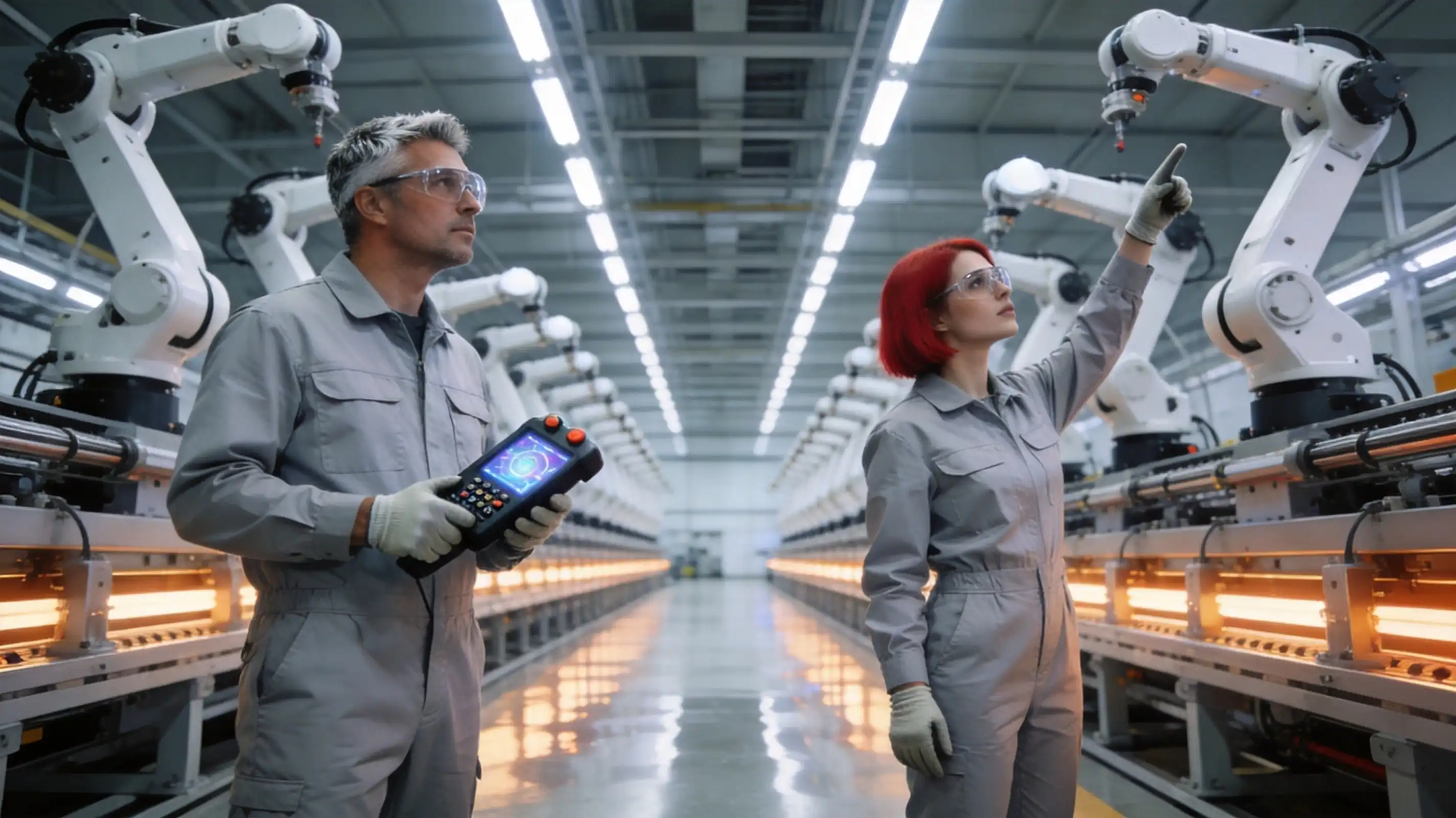
A digital twin is a copy of something real that is linked to the real thing through data. Teams can see parts of the manufacturing process thanks to the ISO 23247 standard series for digital twins in production. It tells you how to set up the link. The idea was first thought of by Michael Grieves in 2002. In 2017, Grieves and Vickers wrote a part that got a lot of attention. Sensors and controllers tell the twin what's going on in a smart plant. An engineer can see cycle times, alarms, and queue lengths on a screen. They test a change on the twin before they touch the real line. The twin is not the same as the machine. The team has a safe spot to think about "what if?"
Simulation Tools Used Across Industry
To make a production line, you can use a lot of different kinds of software. Plant Simulation from Siemens is used to model discrete events, and Process Simulate is used to test robots and cells. Their DELMIA software is used for digital manufacturing, and Autodesk makes tools for setting up factories. Ansys is good at physics-based research, like studying temperature and structure, and PTC Creo is good at designing 3D products and fixtures. Discrete event simulation can answer questions about flow, such as the size of the buffer and the rate of flow. Physics-based tools can help you find answers to questions about heat, stress, and motion. Teams are taught how to simulate logistics and production systems in VDI 3633. This helps them make models that their coworkers can check.
Comparing Traditional and Digital Approaches to Production Line Design
Where Traditional Design Falls Short
For standard line design, people use 2D images, spreadsheets, and real-life models. A lot of the time, teams don't find a problem with reach, a blocked line, or a control fault until they are setting up the machine. Every fix after that costs money and takes longer to begin with. Spreadsheets also get rid of things that are different. Even if the real cycle time changes, a station with a 30-second cycle time can still leave the next station without enough power. Trial and error takes up space, time, people, and things that could be used to get work done. But that doesn't mean that old ways don't work anymore. Software can't always find problems, but skilled planners can. When you do things by hand, you don't get as many chances to try out different choices before you buy them.
What Digital Simulation Adds
This way, a group can test a lot of different layouts, speeds, and fault conditions right away in digital design and simulation for smart production lines, instead of having to wait weeks. Robots are put through tests to see if they can reach and touch every weld point. Safety checks for expensive tools keep them safe. It is possible to connect the real PLC program or a copy of it that has been generated to the virtual line. This lets the engineers check the theory of the control system before putting it in place. It is possible to use discrete event models to see how buffer sizes and AGV routes change throughput. Each test leaves a record, so the team can compare the options based on facts rather than their own thoughts. So, if the mix of products changes, it only needs a new model run instead of a whole new build. This makes it more flexible.
Cloud-Based vs. On-Premises Platforms
To use models, all people need is a browser and an internet link. Models run on remote platforms in the cloud. They work well for schools that don't have a fancy computer lab, for quick projects, and for groups that work in various places. Teams have direct control over where data is saved, who can connect to the network, and when upgrades happen with on-premises systems because they run on local computers. If a factory has strict privacy rules or doesn't let workers use the internet much on the shop floor, that's important. Most of the time, costs are moved to subscriptions in the cloud. For on-premises systems, on the other hand, hardware and IT costs are higher at the start. A lot of groups do both. They do a lot of 3D simulations on-site and train and review with tools in the cloud.
Implementing Digital Simulation in Smart Factories: Proven Practices and Challenges
Core Principles: Data Integrity, Modularity, and Lifecycle
Good data is the first thing that makes a good program. It is said that the model has data integrity when it uses checked CAD files, cycle times, and failure data like the mean time between failures. It means you build the model in chunks, like a buffer, a robot cell, or a conveyor zone. After that, you can change or use one block without having to start over. It is important to keep track of who changed each model and make sure it is up to date with the real line. Otherwise, the model can become inaccurate and lead the team to make the wrong decisions. Teams should give each model a name and set up regular checks to see if they match up with reality.
Common Hurdles: Interoperability and Skill Shortages
There are two problems that keep coming up. To begin, moving data from one tool to another is hard. CAD, modeling, PLC, and MES are some examples of software that store data in different formats. Teams use STEP, AutomationML, and OPC UA to cut down on rework. Second, there aren't many skilled people around. In 2024, Deloitte and The Manufacturing Institute did a study that said between 2024 and 2033, U.S. industry might need 3.8 million new workers, and about 1.9 million of those jobs might not be filled. Hardware alone won't be able to fix that. Anyone who works for a company, whether it is new or established, can better manage the systems it buys if they learn how to program PLCs and robots and run simulations.
Practical Examples and Measurable Returns
What is the Global Lighthouse Network? The World Economic Forum and McKinsey keep it running. It gives points to companies that use a lot of technologies like digital twins, analytics, and AI and get results that can be tracked. On a much smaller training line, you can see the same thing. Someone in the class makes a plan, checks the cycle times, writes the PLC code, and then tests it on real hardware. I believe every team should keep track of three numbers: the time it takes to switch between tasks, the time it takes to launch, and the time it takes to review. Each plant gives different results, so your own standard is the best way to show that you got your money back.
Procurement Guide for Digital Design and Simulation Solutions
Define Requirements and Match Capabilities
Let's start with the problem, not the thing. Like, write down the controllers you use and the types of lines you need to model. This could be robot cells, individual buildings, or material-handling systems. Platforms should be able to handle PLCs, robots, vision, and MES. To send and receive data, check to see if it uses OPC UA or other open standards. Also, see how well it works with the CAD files you already have. For schools, add the number of students and the goals for their learning. Then, use a real task from your job as a test. A pilot takes less time than a sales demo to show model quality, user effort, and good customer service.
Compare Licensing and Pricing Models
Software companies sell licenses that last a certain amount of time, a monthly license, or a mix of the two. The cost is usually spread out over time with a subscription, and you generally get reports. This is good for teams that want to know how much they will spend each year. A perpetual license costs more up front and often has extra fees for care, so some businesses would rather have a set version. Talk to each seller and find out if the license only lets you teach, if it lets you use it for your own business, or if it lets you do both. What will happen when the deal is over? How many seats, users, or sites does it cover? Sometimes the fee doesn't tell you everything you need to know. The cost of training, help, tools, and work to integrate it should also be added to the total.
Choose Training and Support That Fit Your Team
Software that isn't used by people who have been trained on it just sits there, so I see training as an important part of the purchase. The AI+ Smart Production Line Digital Technology Application Training System is used in the Digital Design and Simulation for Smart Production Lines course that E.C.R. Academy provides. A digital twin exercise is run, students learn how to program the Siemens TIA Portal PLC, set up an HMI, program industrial robots, use AI vision and voice Contact, and set up the MES. The platform has both virtual models and real hardware. It can be used to learn online or off, and you don't have to run a lot of software to use it. Experts from both the business world and academia teach it, and it meets the technical standards for smart manufacturing around the world. People who are just starting out should get an introduction package. Certification packages, on the other hand, go into more depth.
Future Trends and Strategic Implications of Digital Design in Smart Manufacturing
AI-Enhanced Modeling, Edge Computing, and IoT
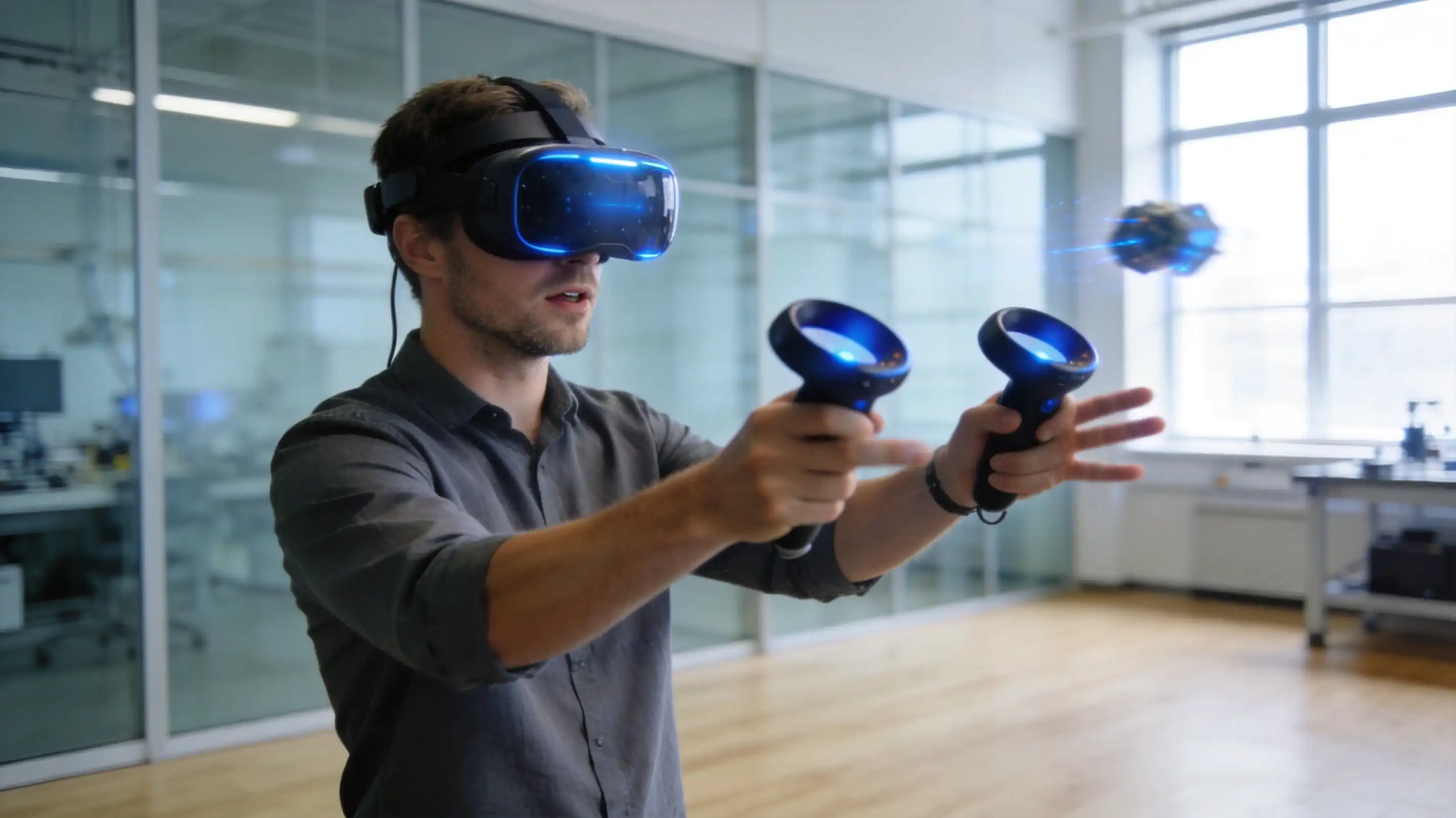
AI can now simulate in two different ways. It is used to build models from data. Live sound, picture, and sensor streams are also looked at. With edge computing, analysis is done close to the machine. This means that signals don't have to be sent to a computer as often. Internet of Things (IoT) devices link software and tools so they work together as a single unit. With these tools, a digital twin can change from a way to plan to a way to keep an eye on things now. When you train, you should do it the same way. AI vision, deep learning model training, and smart voice apps are already part of our course. They are all used on a real platform.
From Product-Centric to Data-Driven Business Models
When companies competed, it was mostly on the goods they sent out. Now, a lot of them fight based on the information their lines give them, like records of quality, the health of their machines, and the speed of their deliveries. Without a well-built digital twin, a plant would have to do more physical tests to deal with disruptions and switch between product versions more slowly. It helps make the supply chain more stable and adaptable, but it needs accurate data and clear direction. Knowing that data is valuable will help a plant change more quickly than just being aware of it while it is being made. Each plant has to decide what details it wants to share with partners and what details it wants to keep to itself.
Workforce Readiness and Strategic Partnerships
Because hiring people takes longer than technology, a training tool only works if the people being trained are ready to use it. To work together, teams need engineers who can read both PLC code and modeling results, as well as techs who know how to fix things in the real world. It's helpful for tech companies, trade groups, and universities to work together because they can share what they know. Nearly 500,000 people in China and 28 other countries have been taught and tested by E.C.R. Academy since 2010. We also work with over 3,300 experts and 500 businesses. Before a project starts, organizations that need to keep information hidden should talk to us about how to handle data and the terms of the NDA.
Conclusion
Teams can use Digital Design and Simulation for Smart Production Lines to build, test, and fix a line in software before committing to hardware. This is possible because of standards such as ISO 23247, STEP, AutomationML, and OPC UA. The model stays linked to the real line with the help of a digital twin. It is faster and lets teams look at more options when simulation is used instead of manual prototyping to find layout, collision, and control problems. Because of this, good projects need clean data, modular models, version control, and trained staff. The main issues are still not being able to talk to each other and not having enough skills. First, buyers should write down what they need. Then, they should do a test. Finally, they should compare training and license terms. AI, cloud computing, and IoT will make twins more useful in the future. This means that the skills of the workers will be the most important thing.
FAQ
1. Can beginners take the course?
Yes. Courses are available for people who don't know much about the topic. First, they go over the basics of how to use the tools, the digital twin, and AI. Next, they move on to more complex topics. Packages for getting certified teach more advanced skills.
2. Do learners need programming experience?
No, languages such as Python and C# are not required beforehand. The course instead teaches them in a planned way, from the most basic commands to how to work on projects. Nobody needs to know how to code in order to learn these skills.
3. How is the platform deployed?
The tool is simple to set up and doesn't need any difficult software downloads. It can be used for learning both online and off. It has both a virtual simulation and a hardware training platform, so students can use both to get better.
Talk to E.C.R Academy About Digital Design and Simulation for Smart Production Lines
Any business, school, or business group can talk to E.C.R. Academy about training plans. Send an email to ecr2008@enteredu.com with your goals, class size, and list of equipment to find a digital design and simulation for smart production lines business. We'll look at what you need and get back to you with some good training ideas. Visit enteredu.com to find out more.
References
1. ISO 23247-1: Overview and General Principles, International Organization for Standardization, 2021
2. VDI 3633 Part 1: Simulation of Systems in Materials Handling, Logistics and Production – Fundamentals, Verein Deutscher Ingenieure, 2014
3. Digital Twin: Mitigating Unpredictable, Undesirable Emergent Behavior in Complex Systems, Grieves and Vickers, 2017
4. Digital Twin-Driven Product Design, Manufacturing and Service with Big Data, Tao et al., International Journal of Advanced Manufacturing Technology, 2018
5. Taking Charge: Manufacturers Support Growth with Active Workforce Strategies, Deloitte and The Manufacturing Institute, 2024
6. Global Lighthouse Network: Four Durable Shifts for a Great Reset in Manufacturing, World Economic Forum and McKinsey & Company, 2020